


Your domain
Send as you@company.com
Replace free addresses with mailboxes on your company domain. Every message you send goes out in your company name — and looks the part.
Professional business email for small teams and growing companies. Branded mailboxes, delivery handled, one console to run it all.
Free for 5 days No card required Live in minutes
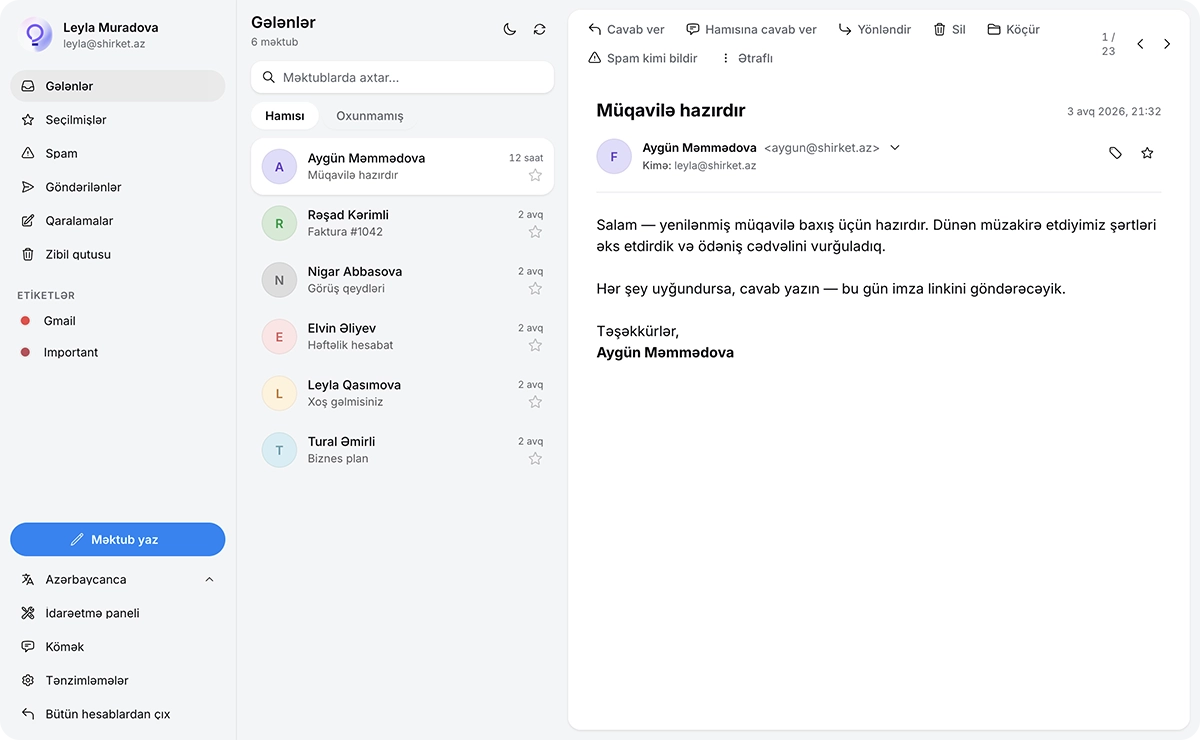
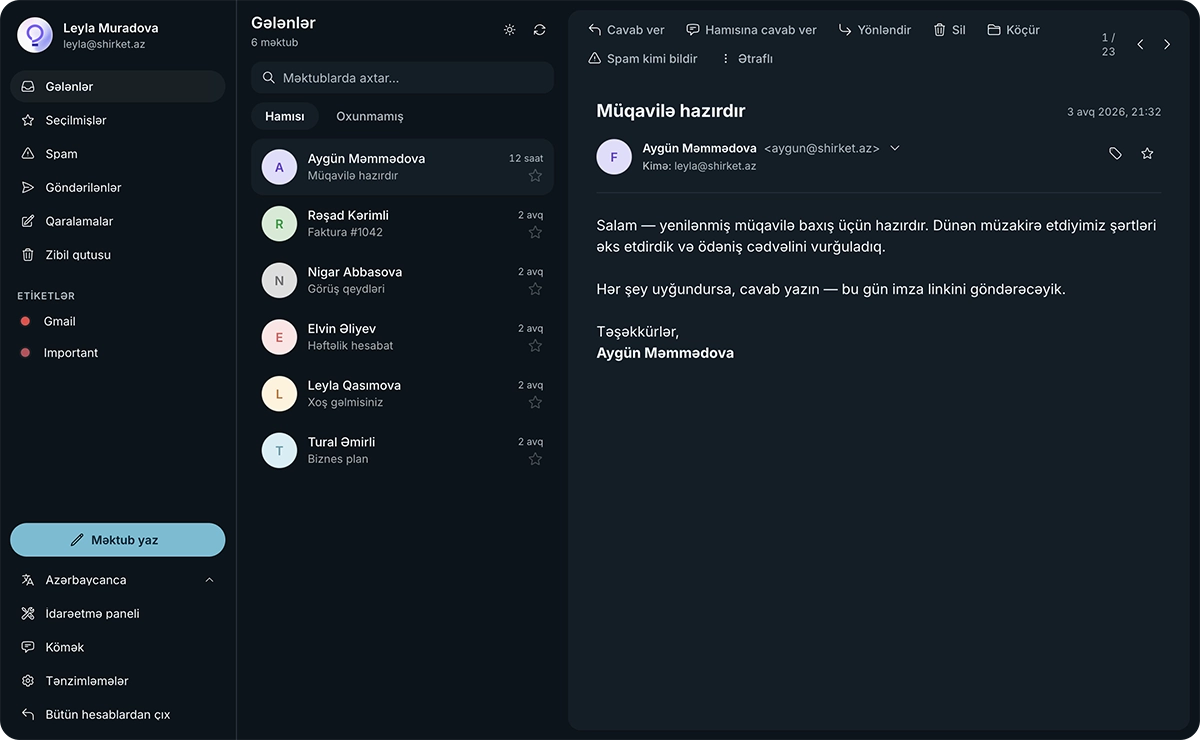
Email on your own domain, inbox-ready delivery, and an admin console anyone on the team can run.
Your domain
Replace free addresses with mailboxes on your company domain. Every message you send goes out in your company name — and looks the part.
Delivery
We set up everything delivery needs and keep monitoring it. Your domain keeps its reputation and your mail stays out of spam.
We take care of the technical setup — your mail reaches the inbox, not the spam folder.
Admin
Add people, reset passwords and manage billing in a single console. Simple enough that anyone on the team can handle it.
Every member of your team writes from the company domain — no more free mail addresses.
Domains, mailboxes and billing live in a single admin console anyone on the team can use.
Getting started
Just four steps. Most teams are working on their own domain the very first day.
Minimal and Main include a 5-day free trial — no card to start. Pro charges when you subscribe. Pick what fits the team, then go.
Connect a domain you already own, or buy a new one through BigMail. We finish the DNS and mail records either way.
Add you@company.com for each person from the admin console. Reset passwords and manage access as the team grows.
Open webmail and send as your company. Delivery authentication is already in place.
Bring a domain you own or buy one with us. Either path ends the same way — mail DNS finished, ready for mailboxes.
Add the DNS records we show you at the provider where you bought the domain. As soon as they are verified, your domain is ready to use.
Search for a domain in the admin console and buy it right there. We handle the registration and every mail record — you barely touch DNS.
Either way, once mailboxes are created you send as you@yourcompany.com.
Whether you are a one-person shop or a growing company, it is the same platform on your own domain.
No. We take care of the technical side and guide you through anything on your end. Most teams are sending from their own domain the same day.
Yes. Connect your existing domain during signup, or register a brand-new one with us in a couple of clicks.
That's exactly what we handle for you. We manage the setup and monitoring that keep your messages out of the spam folder and your domain trusted.
The Minimal and Main plans include a 5-day free trial, and you don't need a card to start. Pro begins as soon as you subscribe.
Anytime. Add or remove mailboxes from your dashboard whenever your team changes; your plan sets how many you can have.
You can cancel whenever you like and keep access until the end of your billing period. No contracts, no lock-in.
Corporate email is email on your company's own domain — name@yourcompany.com — instead of a free personal address. The company owns every mailbox on the domain, so it can create accounts, reset passwords and keep correspondence when people leave.
Add your domain in the admin console and publish the MX, SPF, DKIM and DMARC records it shows you — or buy a domain through us and they are added automatically. Then create mailboxes such as you@yourcompany.com and start sending.
Apps
Native apps for macOS, Windows, iPhone and Android — one mailbox, always in sync.
Included with every mailbox. Sign in with your BigMail address and your mail is already there.
Five-day free trial. No card required.